
How to join Telegram private group
Once you gain access to your user dashboard, you’ll have the opportunity to join our exclusive private Telegram group, home to a vibrant community of traders who actively use our Expert Advisors.
The group is highly active, with members sharing their experiences, insights, and expertise daily. It’s a collaborative environment where traders support one another, exchange ideas, and work together to achieve their trading goals.
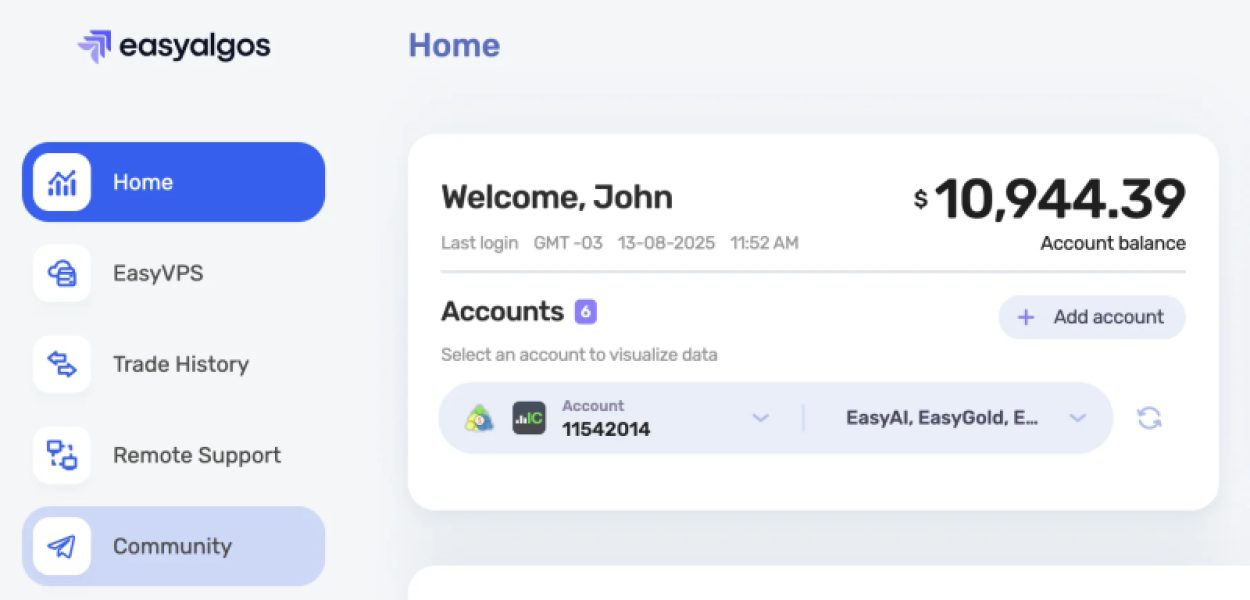
To join, click the "Community" button in your user dashboard menu. This will begin the validation process. Please follow the instructions provided.
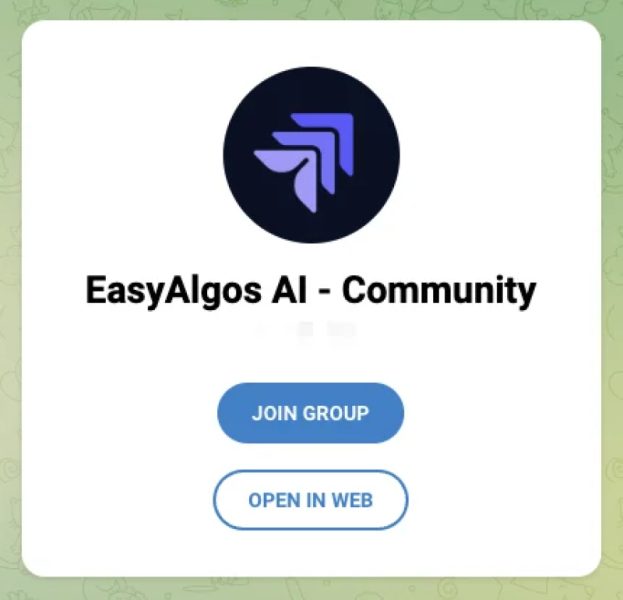
1. Upon clicking, a Telegram webpage will appear. Select "Join Group," or if you're using Telegram's browser, choose "Open in Web."
2. Telegram will automatically open a conversation with EasyBot to validate your access.
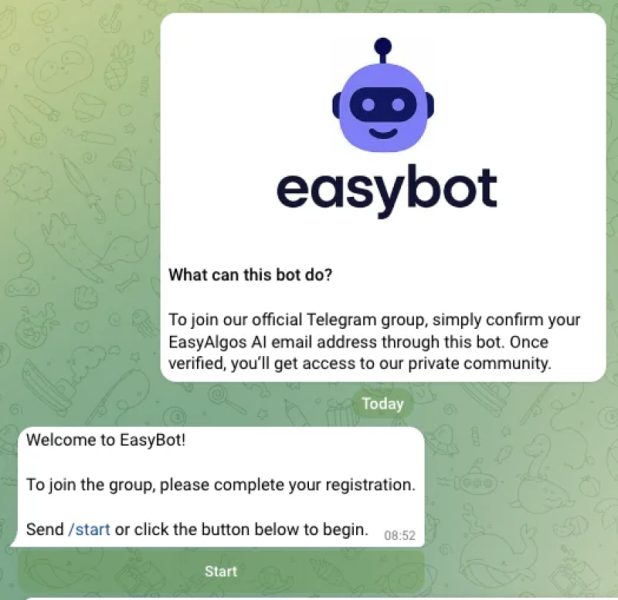
3. In the EasyBot chat, tap the “Start” button to begin the validation process.
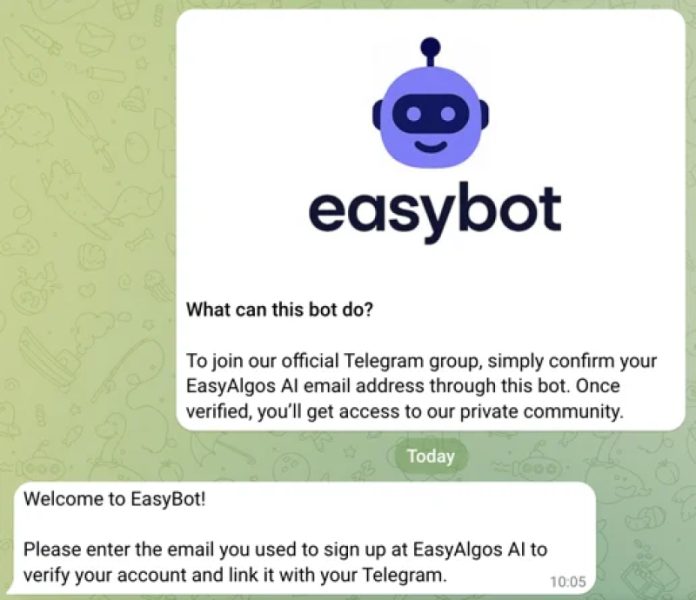
4. The bot will ask for the email address you used to sign up for EasyAlgos AI. Type it in and send it.
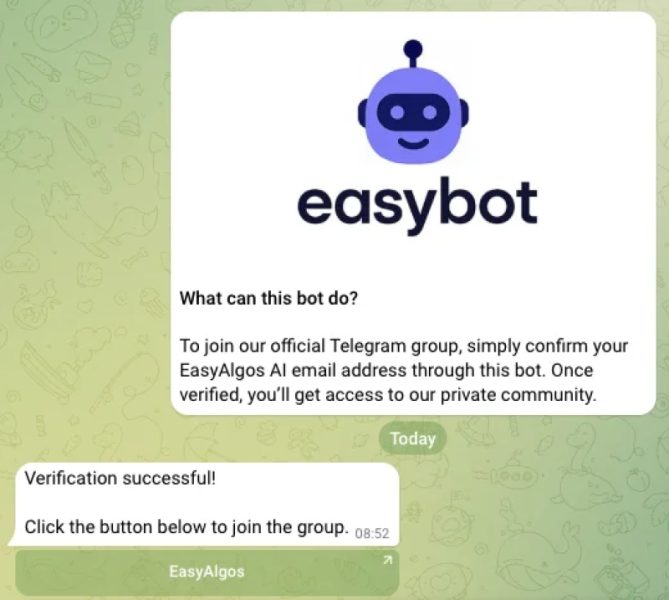
5. If the email is verified successfully, you’ll see the message: “Verification Successful!”. Click the button “EasyAlgos” to join the group.
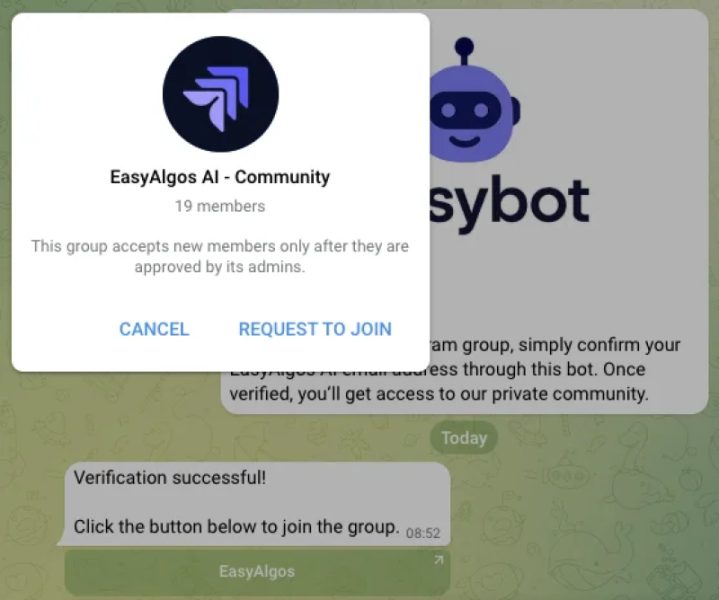
6. After clicking, you’ll be taken to the group’s page. Tap “Request to Join” and wait for approval.