

If you need any help, contact support or reach out to us on Telegram. We are standing by!
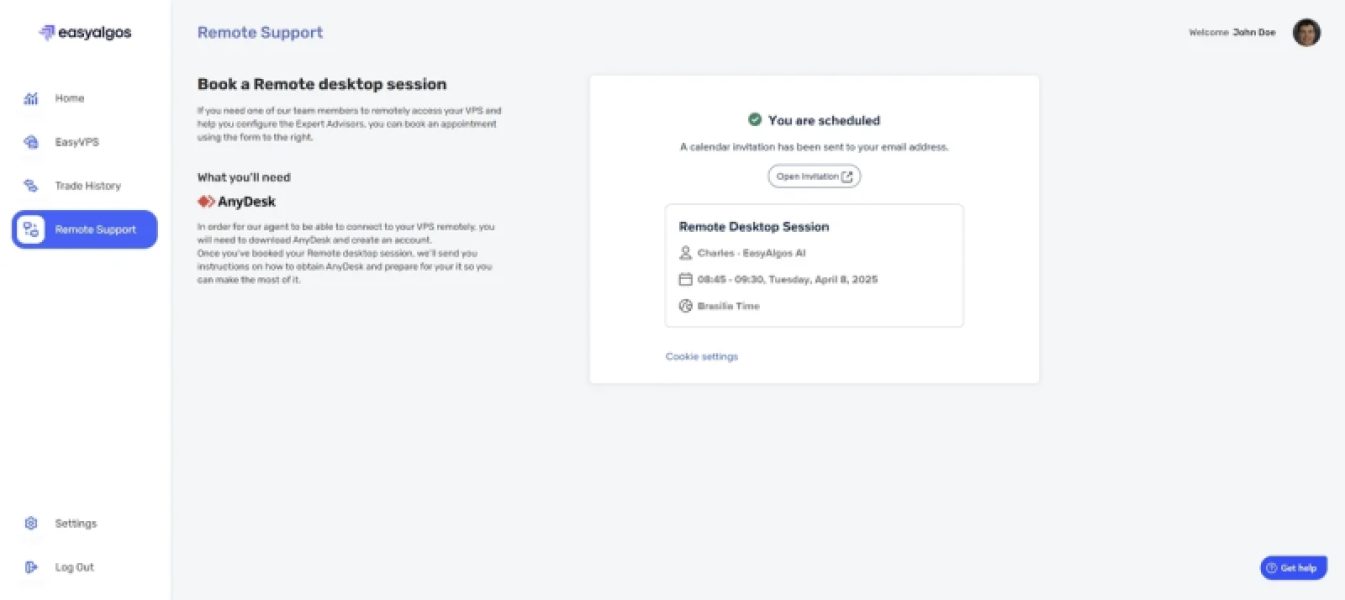
To schedule a session, please follow these steps:
- Click on ‘Remote Support’
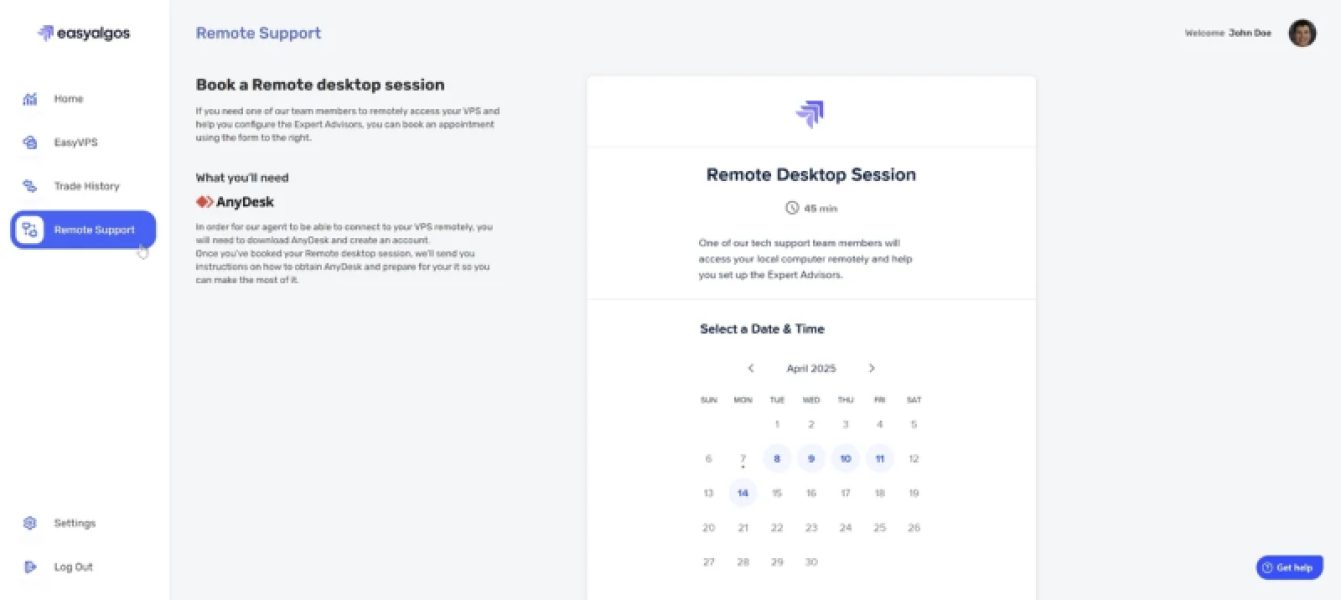
- Select a date for your session.
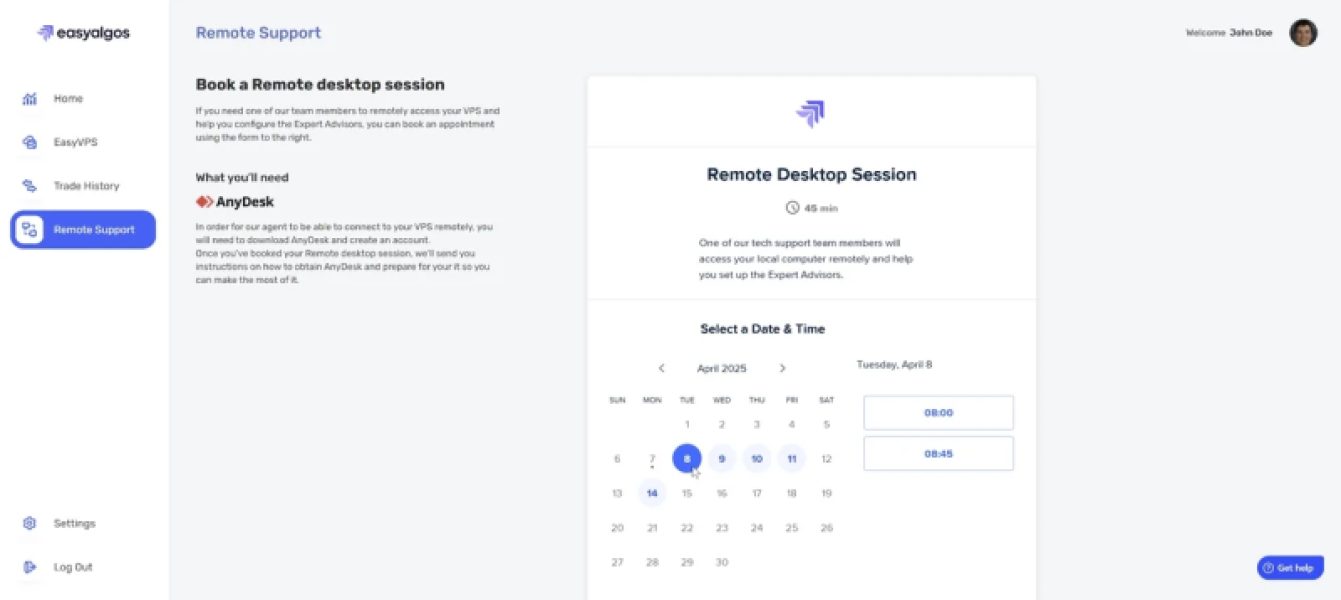
- Choose a time for your session.
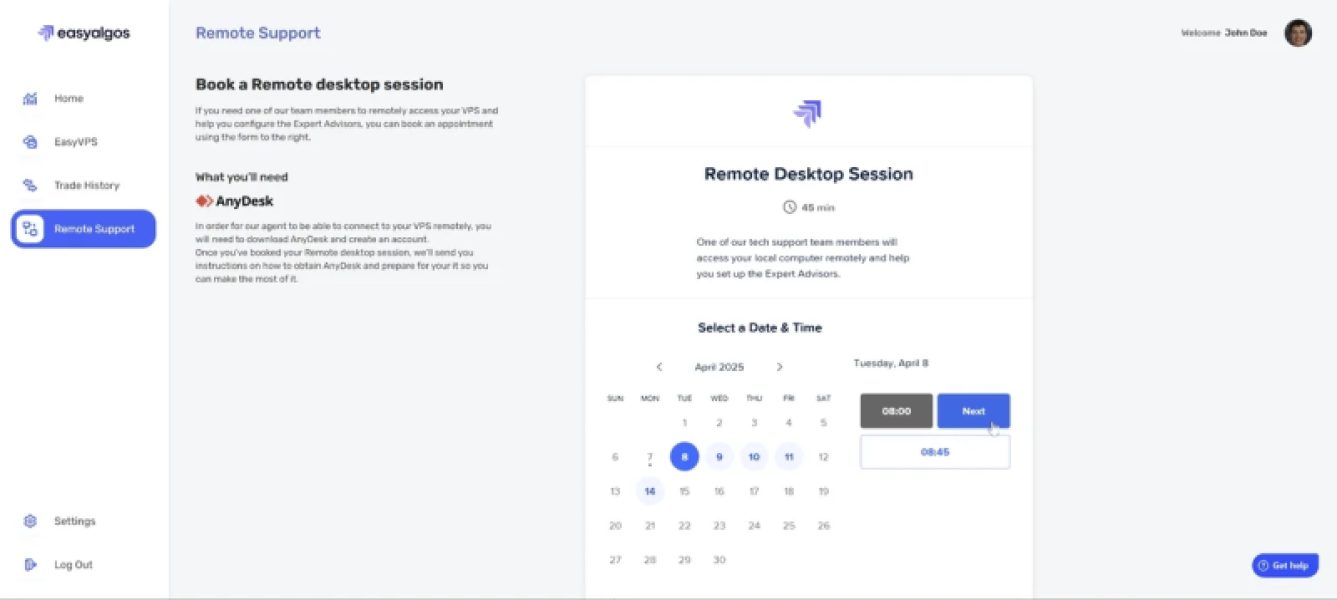
- Fill out the form with your AnyDesk ID and provide details on the assistance you need during the session and click "Schedule Event".
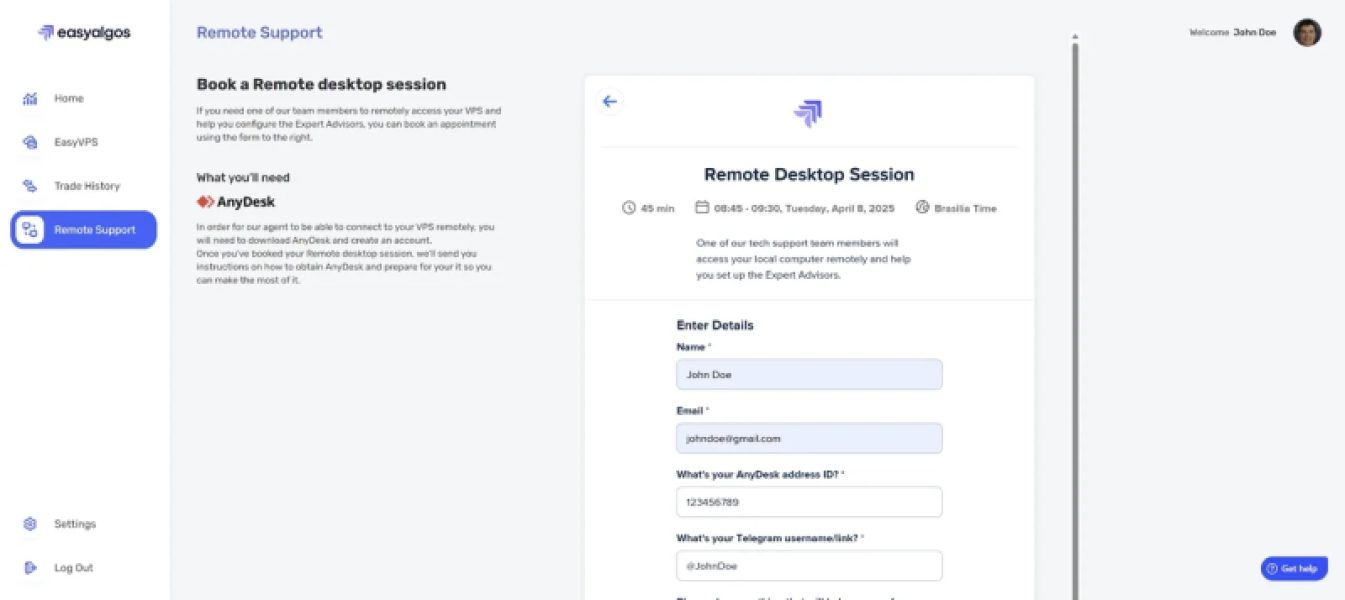
- You will receive a confirmation email once your session is scheduled.
At the scheduled time, please make sure AnyDesk is running and ready about 5 minutes before your session begins.