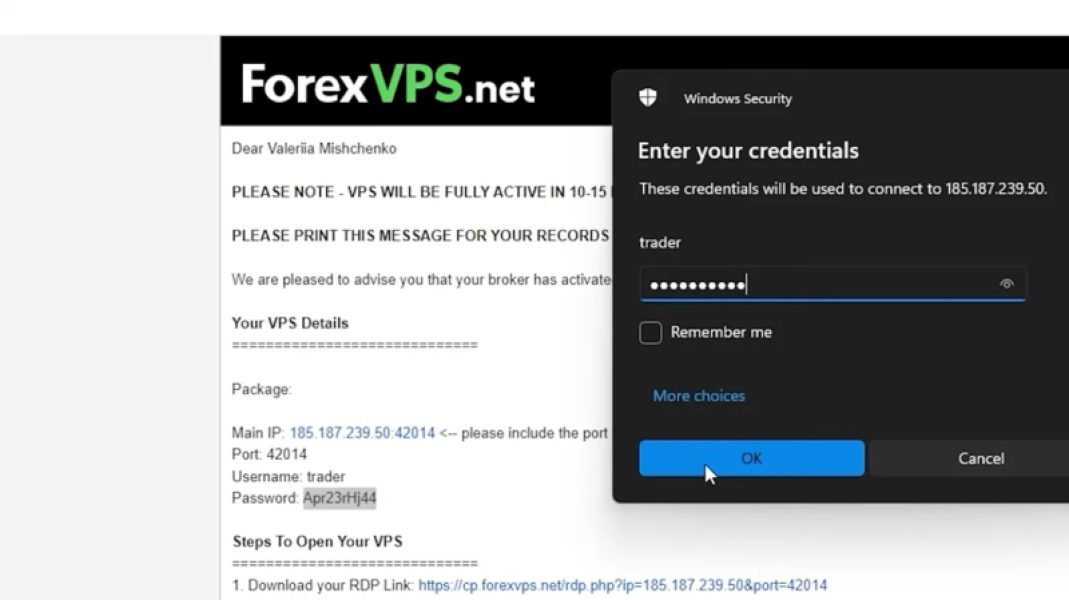
How to get your EasyVPS
Once you complete the sign-up process through the onboarding form, your EasyVPS will be automatically set up. After we verify your broker account, you will receive an email from ForexVPS.net containing your login credentials and instructions on how to access your server.
Steps to Access Your EasyVPS:
1. Wait for the confirmation email
- It typically takes 10-15 minutes after your sign-up is confirmed.
- Check your email inbox (it must be the same email used for both EasyAlgos AI and your broker account).
- If you don’t see the email, check your spam/junk folder.
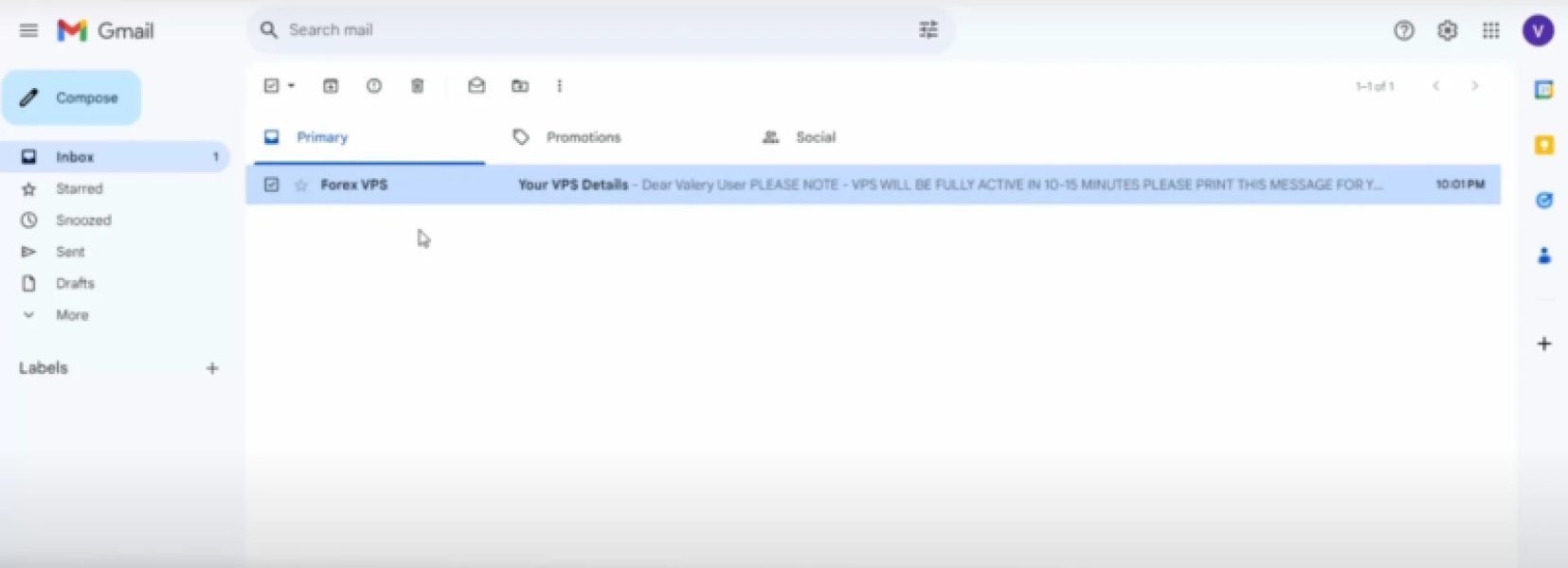
2. Open the email & locate your credentials
- Inside the email, you will find your EasyVPS login credentials and a step-by-step guide on how to access your server.
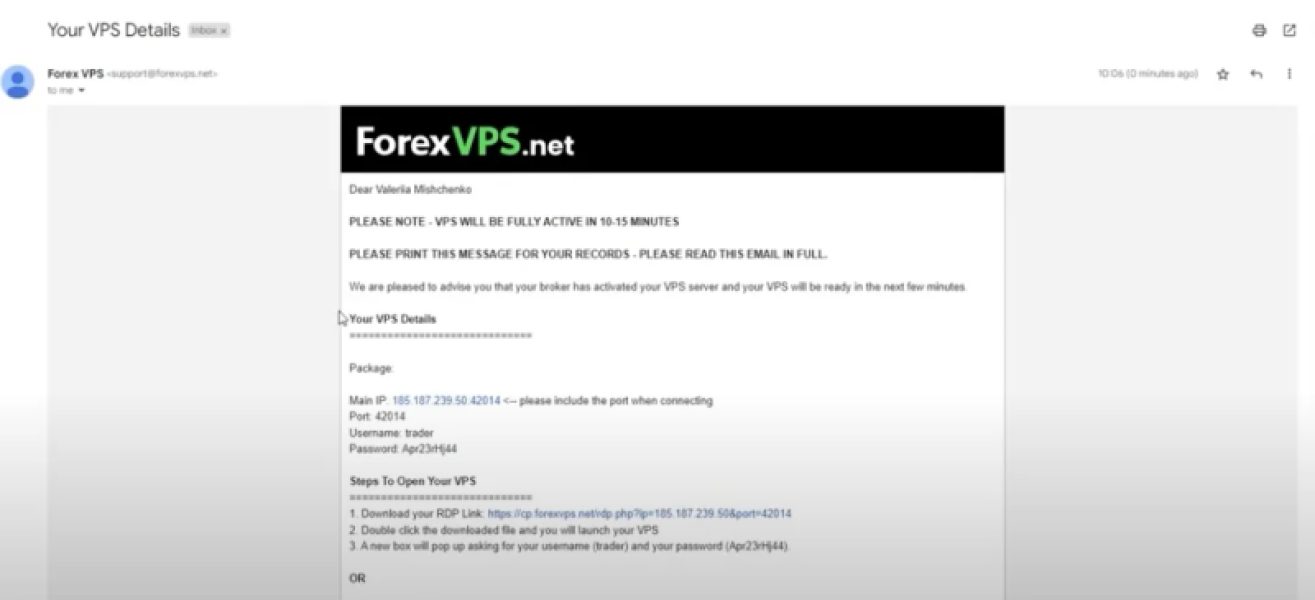
3. Follow the instructions & log in
- Use the provided credentials and follow the instructions to access your EasyVPS server.