How to update your EAs/news & events file
One of the key advantages of using EasyVPS is the ability to update any Expert Advisor automatically within minutes, without the hassle of downloading or installing files manually.
Follow these simple steps to locate and use the auto-updater files on your EasyVPS desktop:
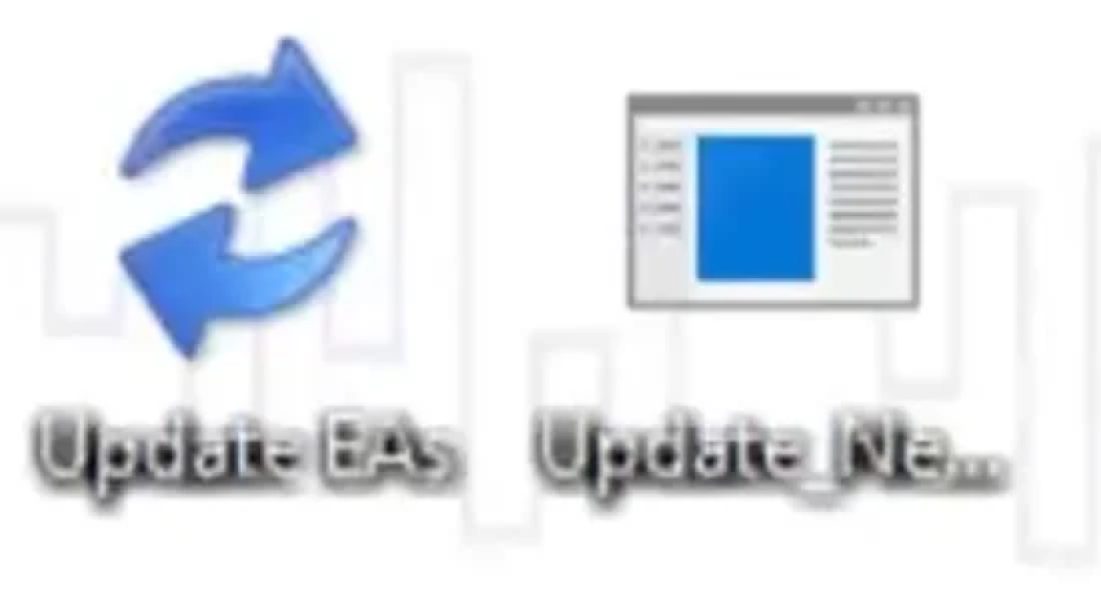
1. Locate the auto-updater files:
- “Update EAs”: This file allows you to automatically update all Expert Advisors to their latest versions.
- “Update News Database”: This file enables you to automatically update the news events file to its latest version.
2. Run the updater:
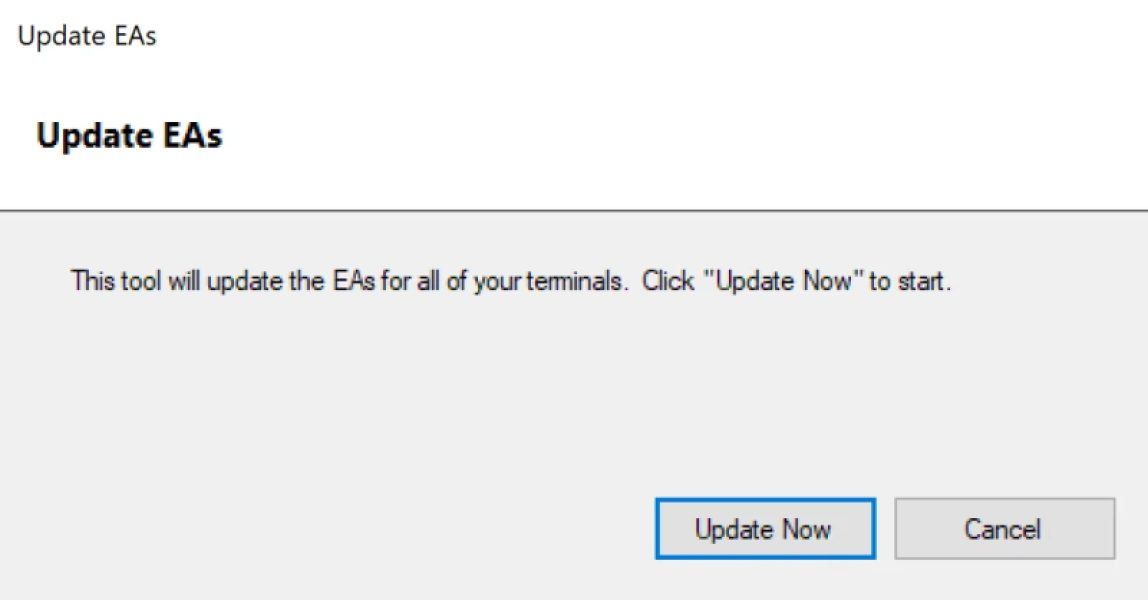
- Double-click on the file you need (either “Update EAs” or “Update News Database”).
- When prompted, press any key and wait for the script to complete the update process.
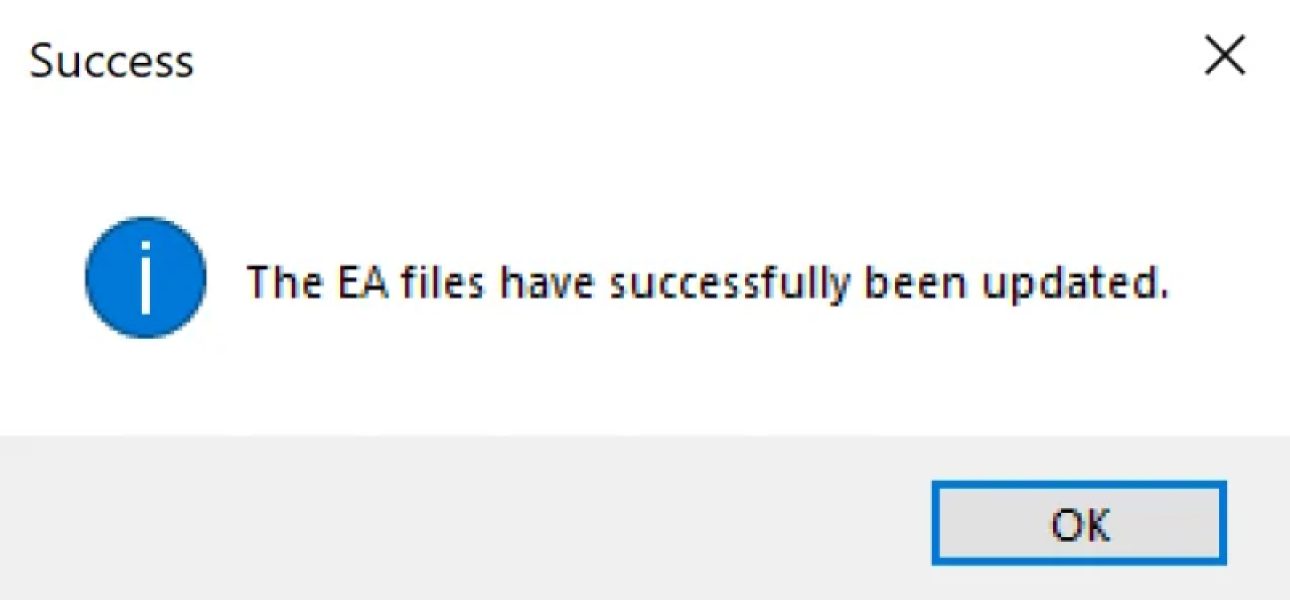
- Once the updates are finished, you’ll see a success message. This confirms that your files have been updated successfully and are now ready to use in your MetaTrader terminals.