How to onboard EasyAlgos AI

If the video doesn’t cover your needs, follow the step-by-step breakdown below:
1. Fill out the sign-up form
Provide your personal information
 2. Select your country of residence
 3. Choose your broker
- Select IC Markets or IC Trading. Depending on your country of residence, only one of these broker options may be available to you.
 If you are opening a new broker account:
- Select Open a New Account. You will be redirected to the broker's portal, where you can create a new trading account using our referral link.
If you already have an existing broker account:
- Select Use existing account.
4. Link your account
 Why do you need to transfer your account to our IB?
To provide you with free access to EasyAlgos AI, we’ll need to link your broker account to our IB (introducing broker), so we can earn rebates from your trading volumes. No mark-ups or extra fees will be added. By giving your consent, you understand and accept that the IB transfer will terminate any benefits or specific conditions previously agreed upon with the broker, along with all its resulting consequences.
- Type in your broker account email address.

- Verify your account via SMS, Email, Google Auth or back-up codes (depending on your broker account security configuration)

- Allow us up to 30-60 seconds to verify your broker profile, MetaTrader 5 account eligibility and to set up your EasyVPS

If your account is eligible, you’ll be redirected to the user dashboard and receive your EasyVPS on your email within 10-15 minutes.If your account is not eligible, you’ll see the following:

Why is your account not eligible?
There are different reasons why your broker account may not be eligible for EasyAlgos AI. If that’s the case, please reach out to IC Markets’ partners team at partners@icmarkets.com or IC Trading's partners team at partners@ictrading.com to find out why, and what you can do about it.
IMPORTANT: In order to qualify and become an EasyAlgos AI client, you’ll need at least one eligible MT5 account with a minimum balance of $5,000 USD.
4. Receive Your EasyVPS credentials & dashboard access
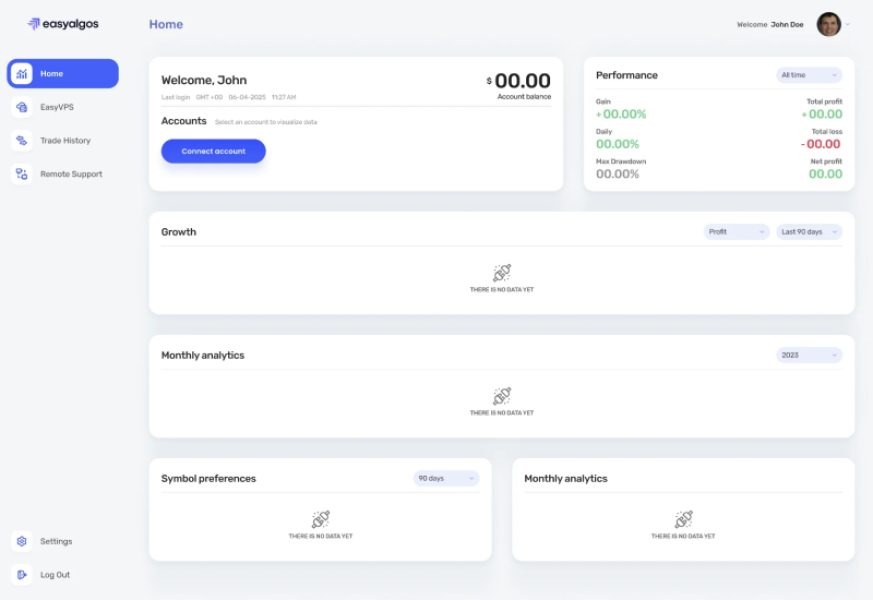
Once your account is verified, you will receive your EasyVPS login credentials, and gain full access to the user dashboard, where you can activate licenses, track performance, and manage your Expert Advisors.
After completing these steps, you’ll be ready to start trading with EasyAlgos AI seamlessly!
For step-by-step instructions on how to do that, please check the ‘How to start trading’ article.