How to update your synchronized accounts
If more than 7 days have passed since you completed onboarding and you're trying to connect a new MT5 account, you’ll need to re-authorize your broker account before proceeding.
To do that, follow these steps:
1. Go to the ‘Home’ tab.
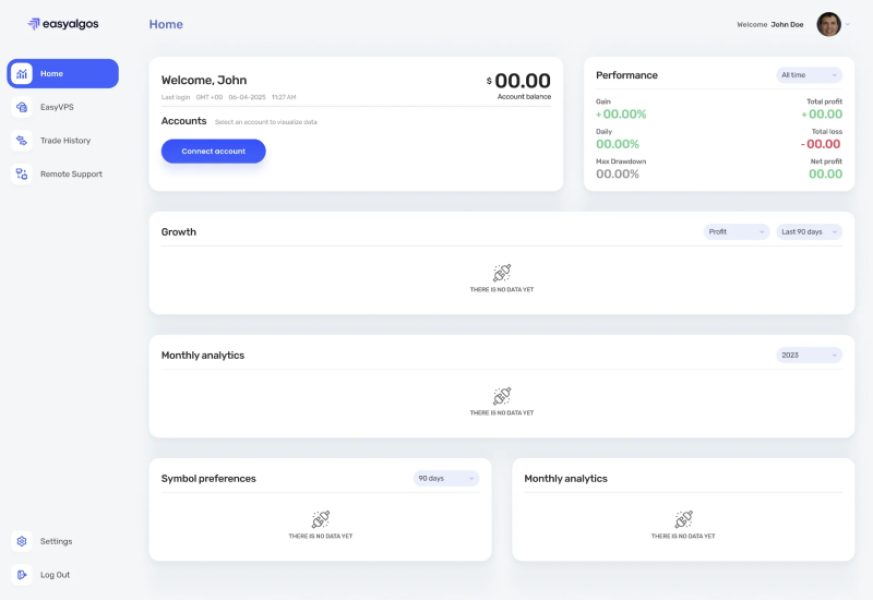
2. Click on the ‘+ Add Account’ button to connect a new account.
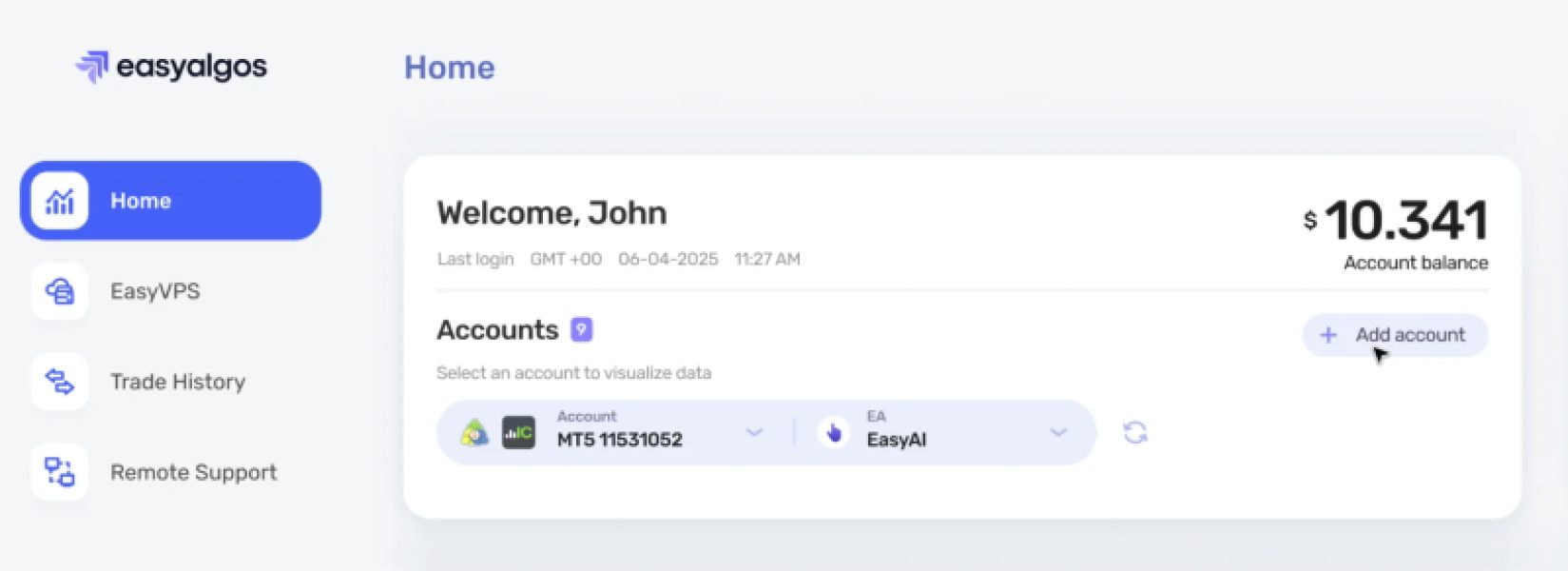
3. Click on the ‘Synchronize’ button.
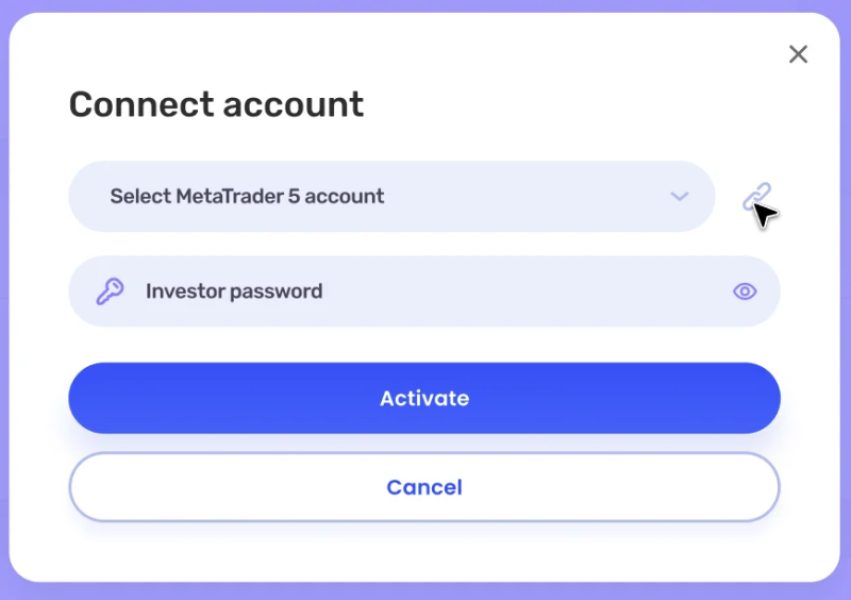
4. A window will pop up asking for your broker email.
5. Complete the 2FA authorization process.
6. Your accounts will now appear in the list.
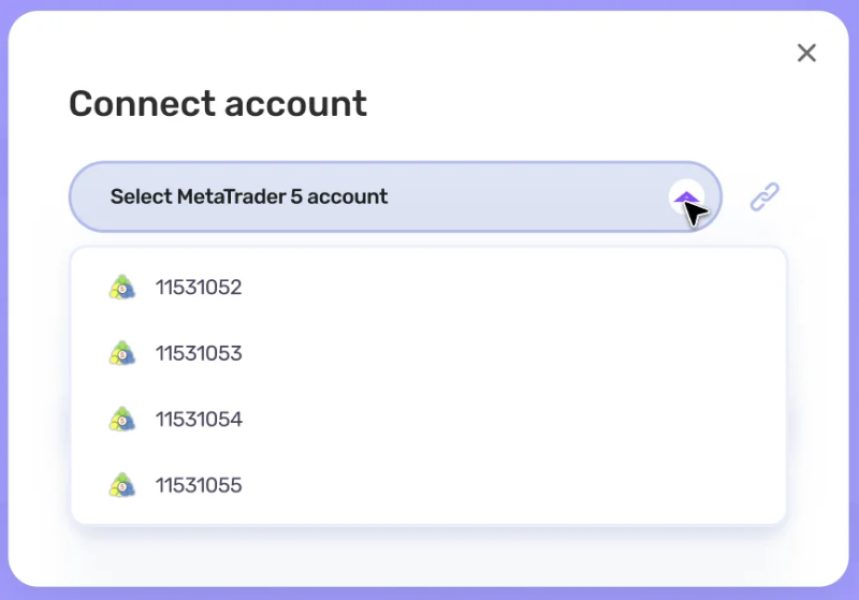
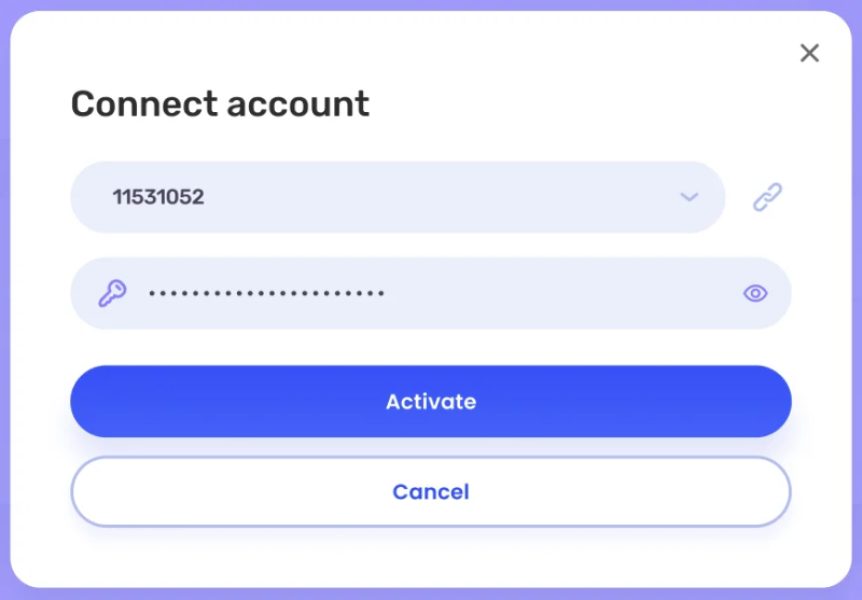
7. Select the account you'd like to connect and enter the investor password. (Not sure how to get your investor password? Check this article)